A career portal that skips everything except the job and the email.
Zenoway is a lightweight hiring platform built around one idea: someone who finds a job they like shouldn’t need an account, a password, or a ten-step form to say so. They should be able to email the person hiring, directly.
The problem
Most career platforms treat applying for a job as a project of its own — an account to create, a profile to build, a resume to reformat, and a form to fill in before a recruiter ever sees a name.
What that costs the applicant
- An account and password to remember for a platform they may never return to
- Profile fields that repeat what’s already on the resume
- No clear line to an actual person once the form is submitted
- Friction that’s highest exactly when motivation is highest — right after finding a role they want
What that costs the platform
- Drop-off between “found the job” and “finished applying”
- Engineering overhead spent on auth, profiles, and applicant storage
- A slower, heavier product for what is, at its core, a browse-and-contact flow
The approach
The design rule for Zenoway was simple: if a screen doesn’t help someone see a job or send an application, it doesn’t belong in the flow. That ruled out accounts, profiles, and multi-page forms in favor of one action — a direct email to HR.
Designed for simplicity
Every screen answers to one of these before it ships.
Direct HR contact
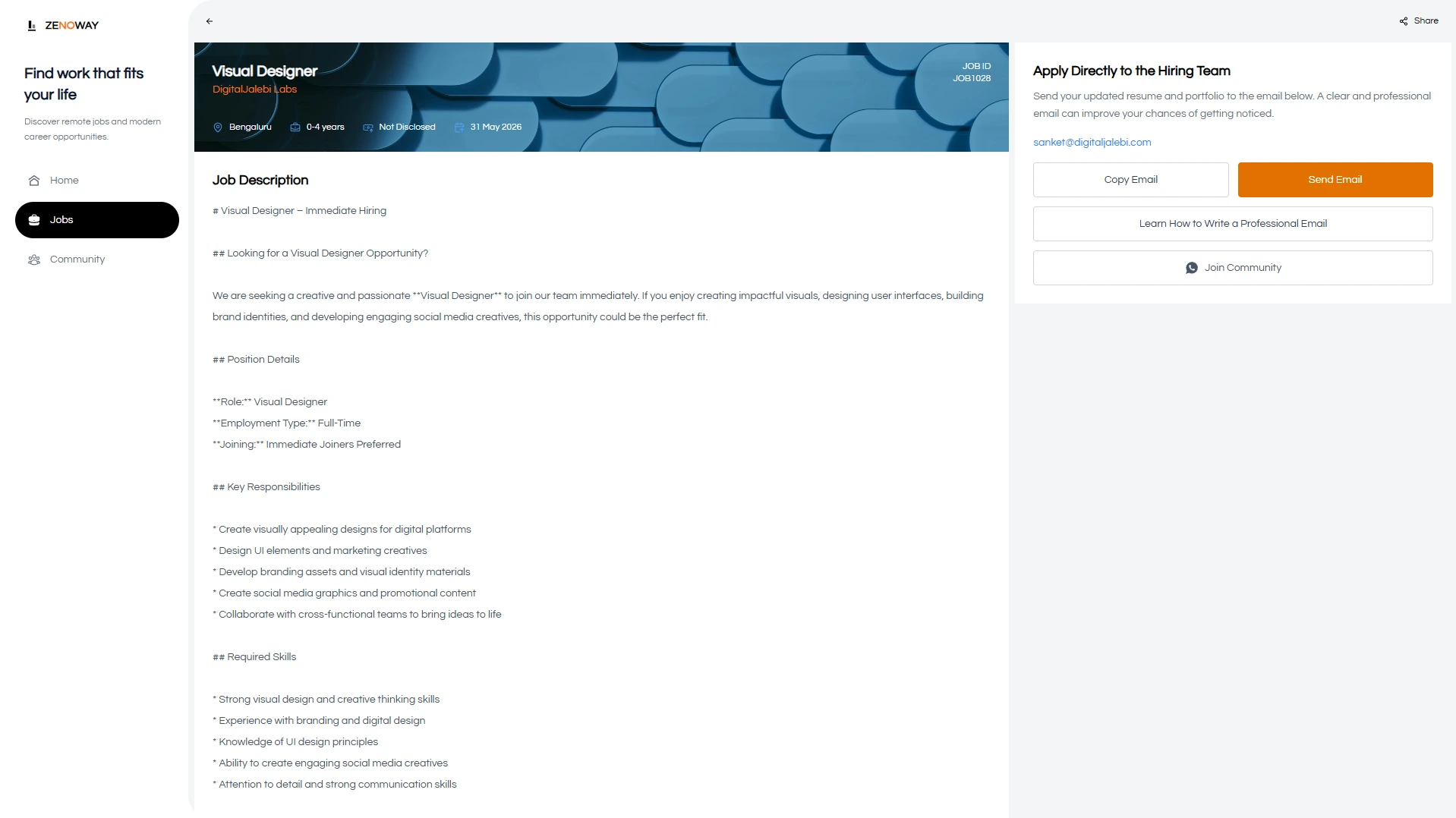
Applications go out as email, no login required on either side.
Easy applications
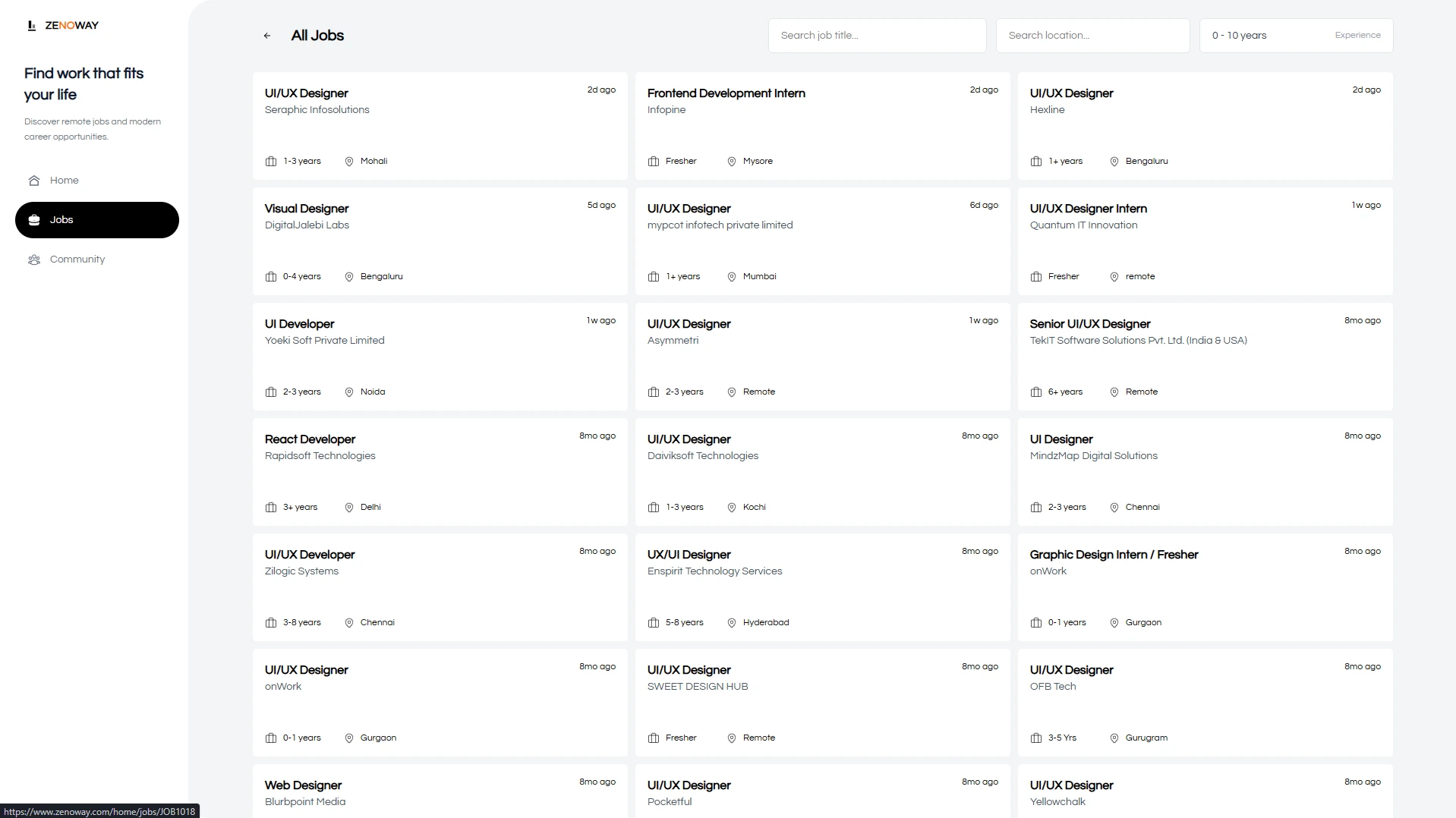
A quick job discovery and apply flow, with nothing extra in the way.
Modern interface
A clean, responsive design system across every screen size.
User first
A minimal onboarding process — the product gets out of the way.
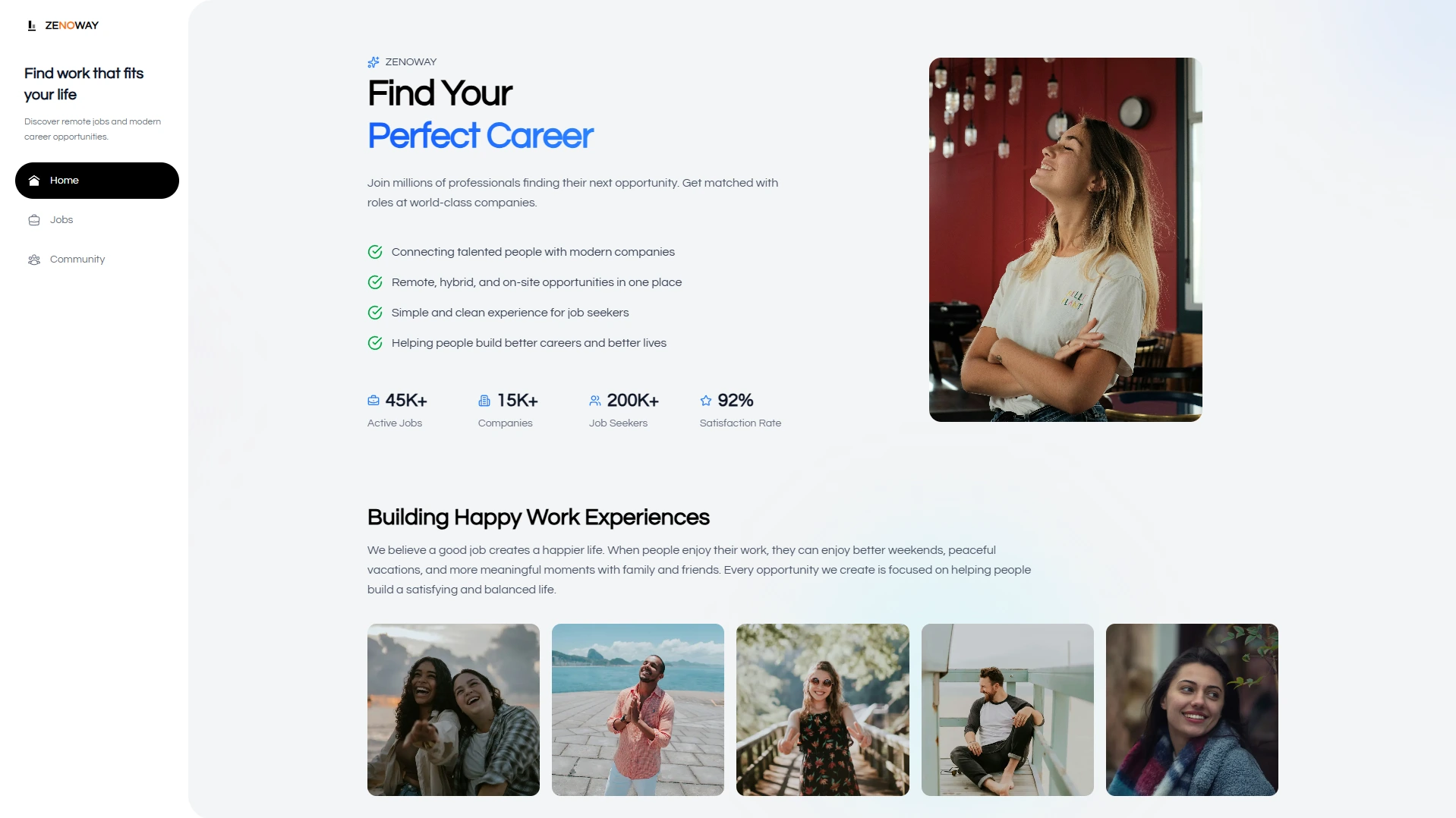
The job seeker experience
Clean layouts, restrained typography, and navigation that doesn’t need explaining — browsing roles should feel closer to reading a well-organized list than operating software.
The admin side
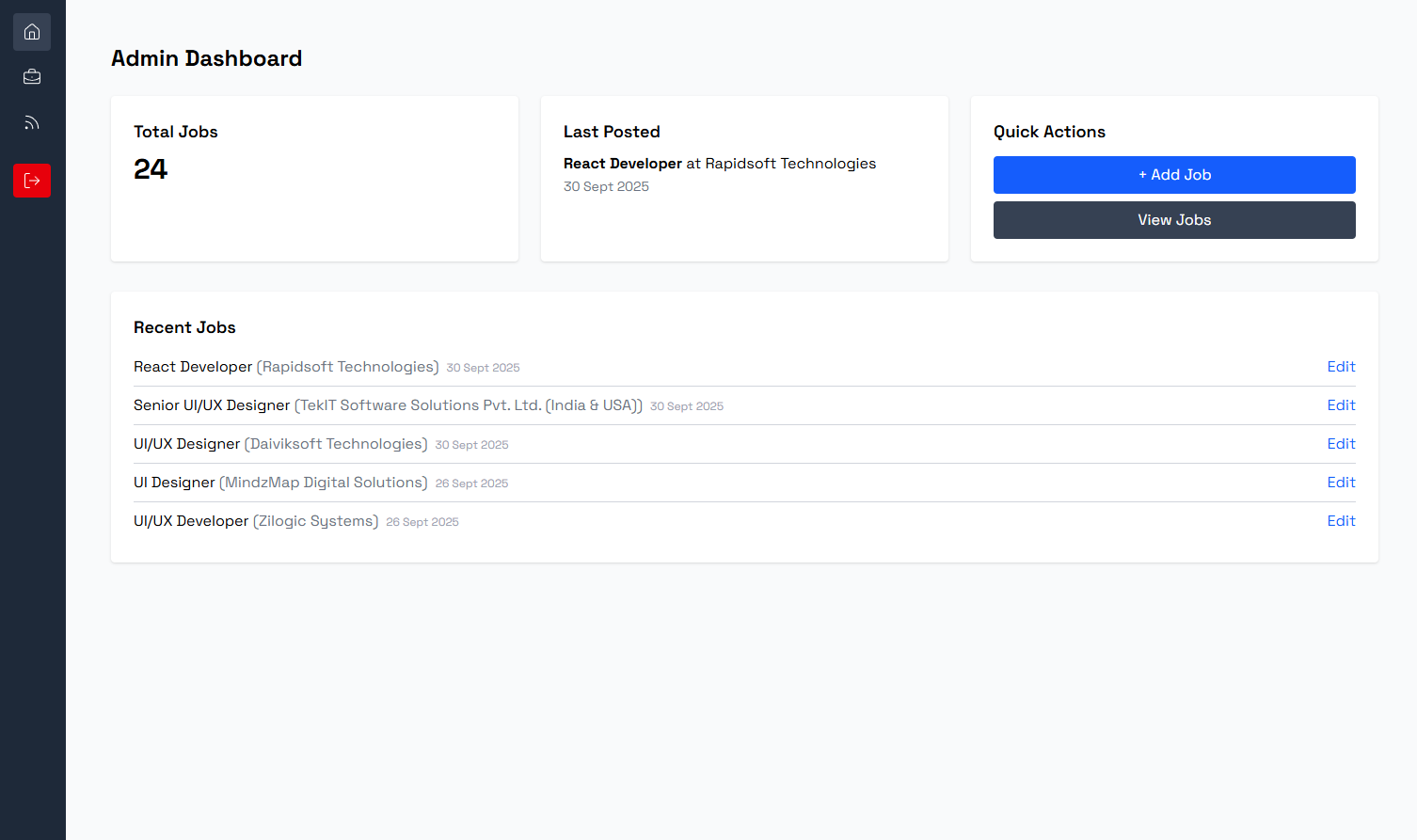
The flip side of a frictionless applicant experience is a dashboard that stays out of the recruiter’s way too — post a role, track activity, update a listing, and nothing more than that.
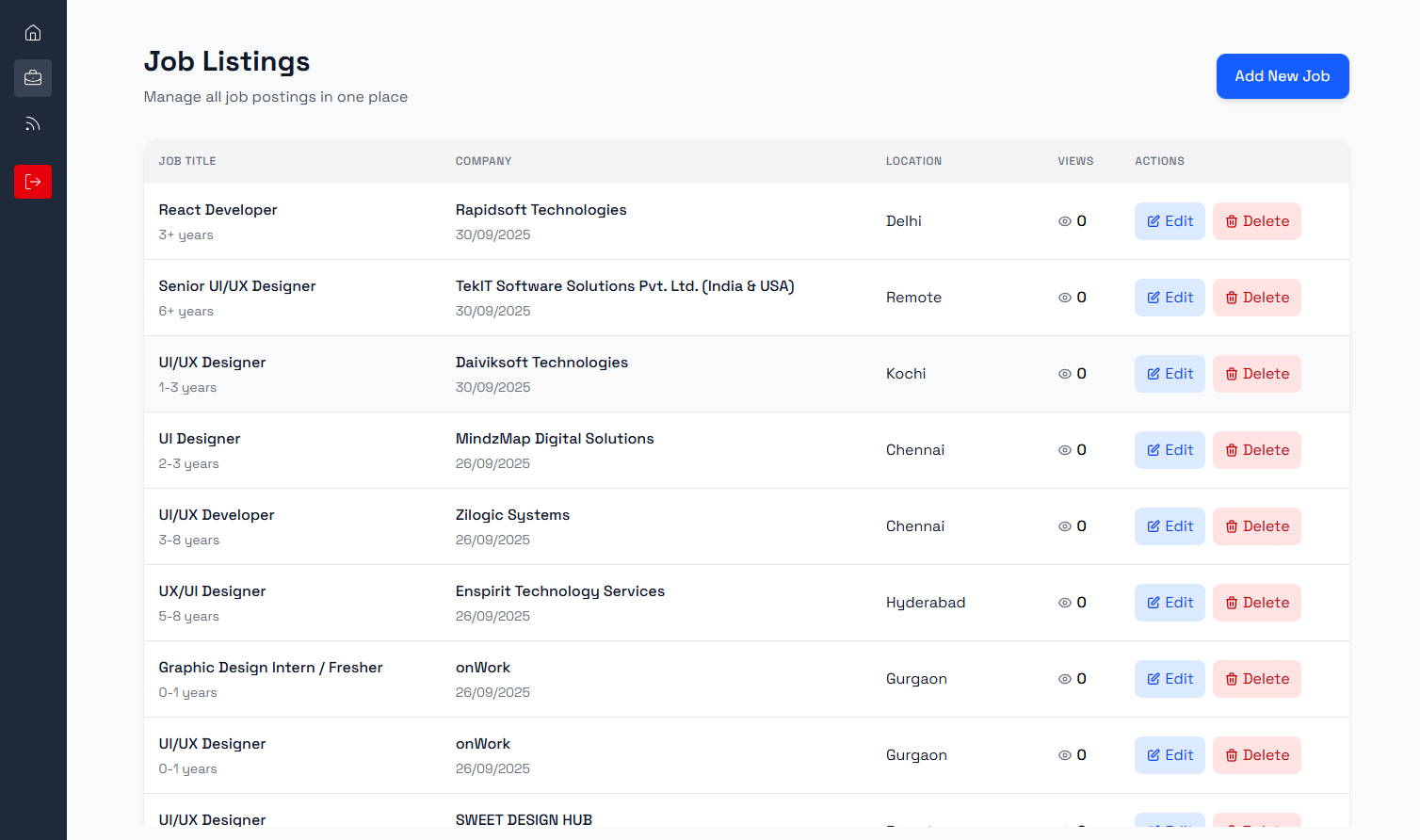
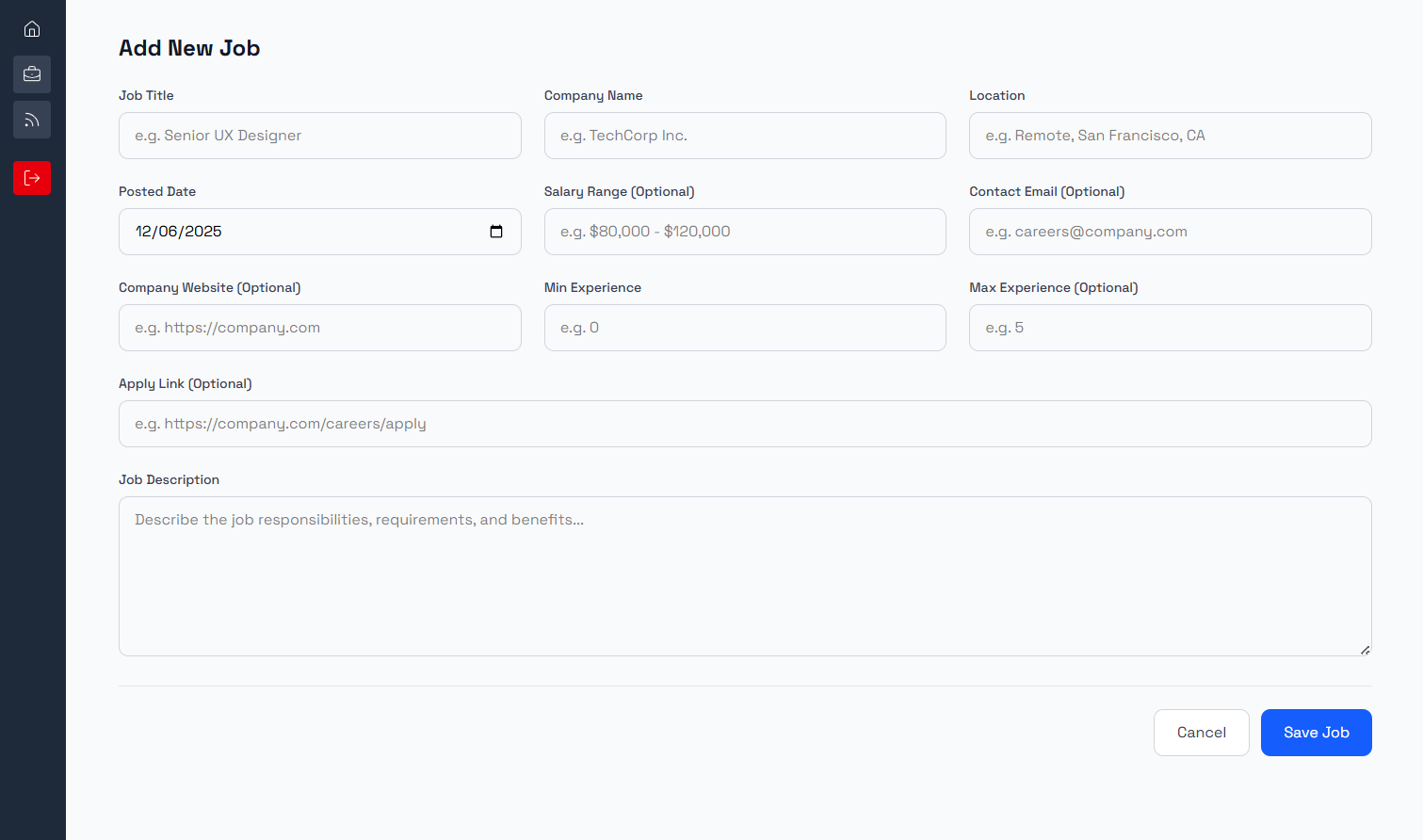
User flows
Three roles share the platform — the job seeker applying, the HR contact receiving applications, and the main admin who approves HR accounts and keeps the job board itself in order.
Where it stands
Zenoway’s first phase — browsing, the direct-email apply flow, and a minimal admin panel — is live at zenoway.online.
What the constraint bought
Removing accounts and applicant storage cut both the build time and the surface area someone has to trust before applying — there’s no data to hand over, just an email to send.
What I’d watch for next
Direct email doesn’t give either side a paper trail once a message is sent. As Zenoway grows, lightweight status visibility — without reintroducing the friction this was built to avoid — is the open question.